
Insert restriction site
A restriction site can be inserted before or after a selected region of a sequence by right-clicking and selecting either Insert Restriction Site Before Selection or Insert Restriction Site After Selection, respectively.
In the dialog that opens, you can select an existing enzyme list or you can use the full list of enzymes (default). Select an enzyme, and you will see its recognition sequence in the text field below the list. If you wish to insert additional residues such as tags, this can be typed into the text fields adjacent to the recognition sequence (figure 24.51).
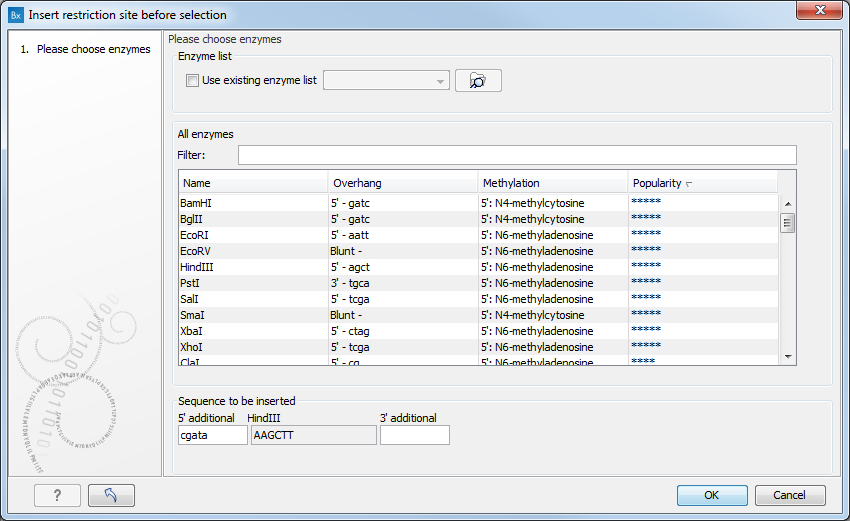
Figure 24.51: Inserting a restriction site and potentially a recognition sequence.
Click on OK to insert the restriction site and the tag(s) before or after the selection. If the enzyme selected was not already present in the list in the Side Panel, it will now be added and selected.