
Troubleshooting licensing
When a single server or master node has a valid license, the login page of the web client looks like that shown in figure 2.11.

Figure 2.11: The login page for a licensed single server or master node.
When no valid license can be found, a warning message is shown (figure 2.12).
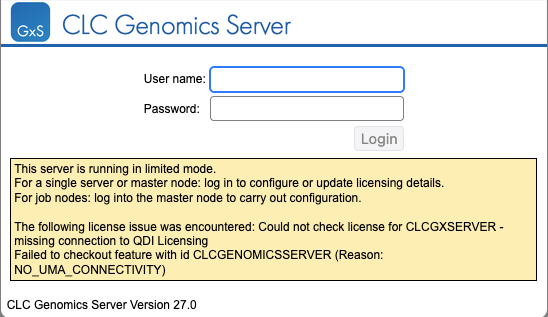
Figure 2.12: The login page for a single server or master node using online licensing, where a license session could not be established due to a problem connecting to the QDI licensing service.
When using online licensing, if the CLC Server process is forcefully killed, the license session may be blocked for up to 30 minutes. In such a situation, the information in the login page may warn that all licenses are in use (figure 2.13). To resolve the problem, wait a short period and restart the CLC Server, or contact our Support team at ts-bioinformatics@qiagen.com.
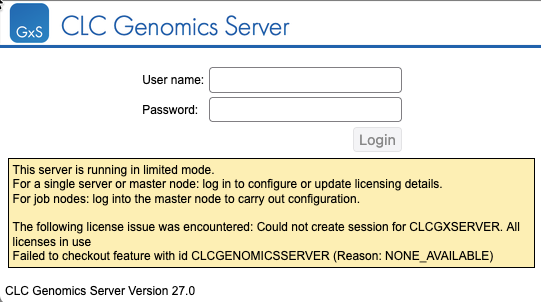
Figure 2.13: The login page for a single server or master node using online licensing, where a license session could not be started because the license is already in use.